Use this tool to get a high-level view of the mid-to-long-term milestones you need to hit to ensure your solution's successful development and launch.
What’s the purpose
Milestone mapping helps your team align around the main workstreams involved in developing and launching your solution and the most critical milestones within those workstreams over the mid-to-long term.
How to do it
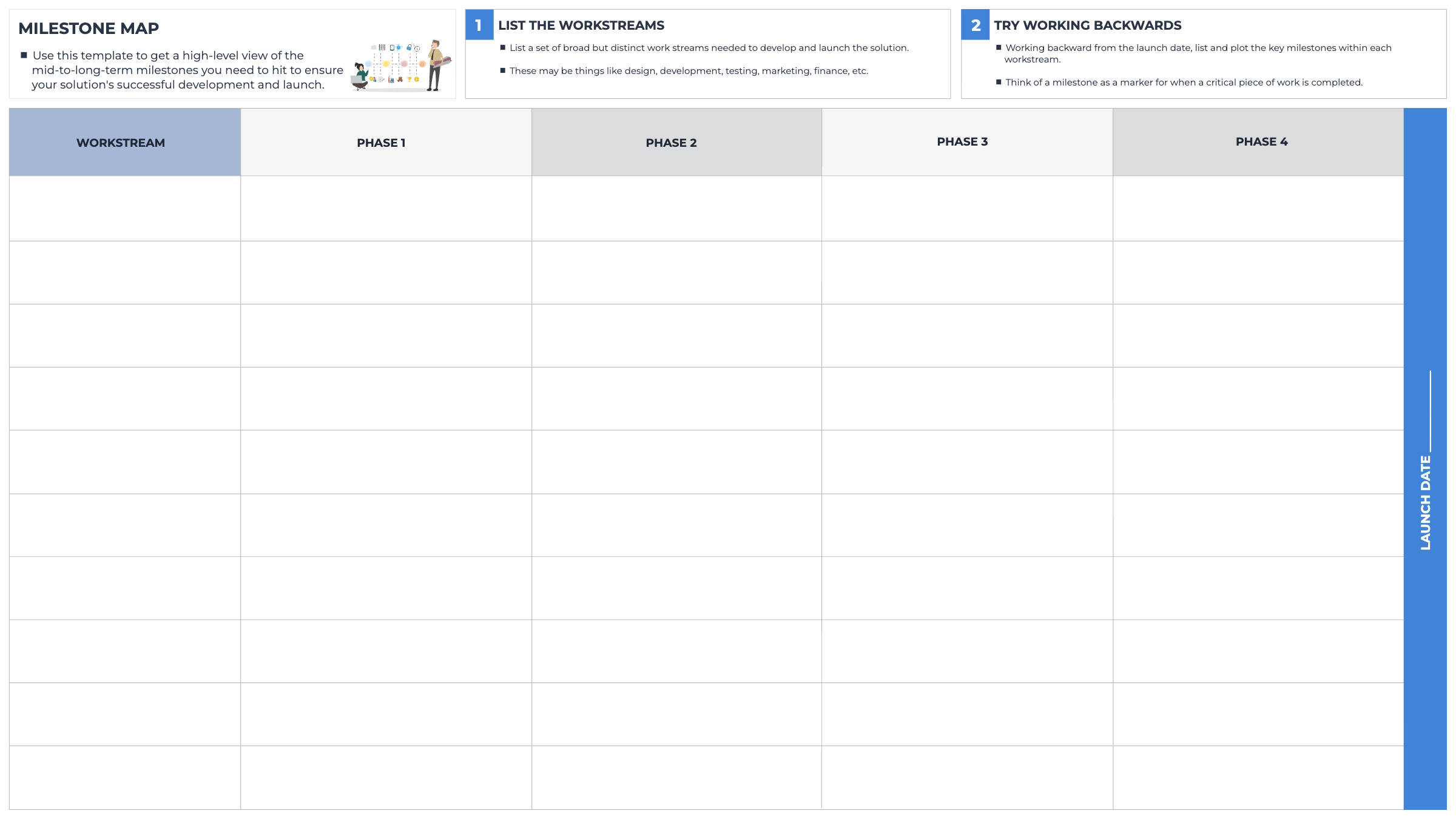
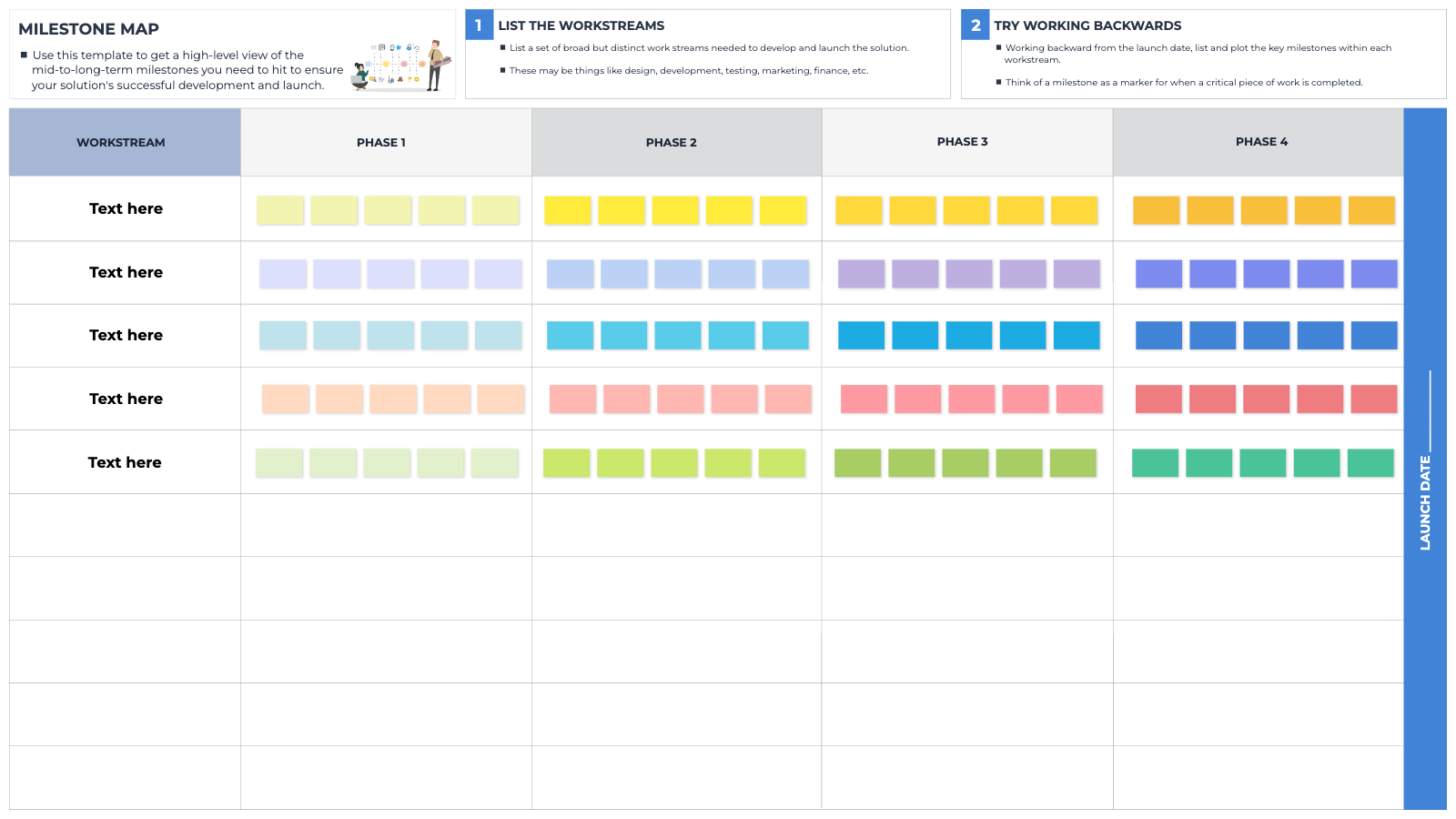
Begin by agreeing on the launch date for your solution; write this in the vertical blue column on the far right of the table.
Then divide the time between now and your launch date into equal periods (weeks, months, or quarters) and write these into the phase headings in the top row.
List a set of broad but distinct workstreams needed to develop and launch the solution. These may be things like design, development, testing, marketing, finance, etc.
Working backwards from the launch date, list and plot the key milestones within each workstream. Think of a milestone as a marker for completing a critical piece of work. Note down projected completion dates and ownership (who is primarily accountable) for each milestone.
Blank templateWorked example
Tips
This template is used for mid-to-long-term planning and does not require the level of granularity of a ‘30-60-90 Roadmap’.
Don’t get stuck in the details here. The purpose of this template is to help you define macro milestones to break your project down into manageable chunks.
In day-to-day work
When faced with a long-term project, the magnitude of work and time to reach the end goal can feel insurmountable. Breaking your project down into macro milestones can make it feel much more achievable and allows you to focus on one phase per workstream at a time. Begin with the end in mind and work backwards to determine how you will reach your end goal, one step at a time.