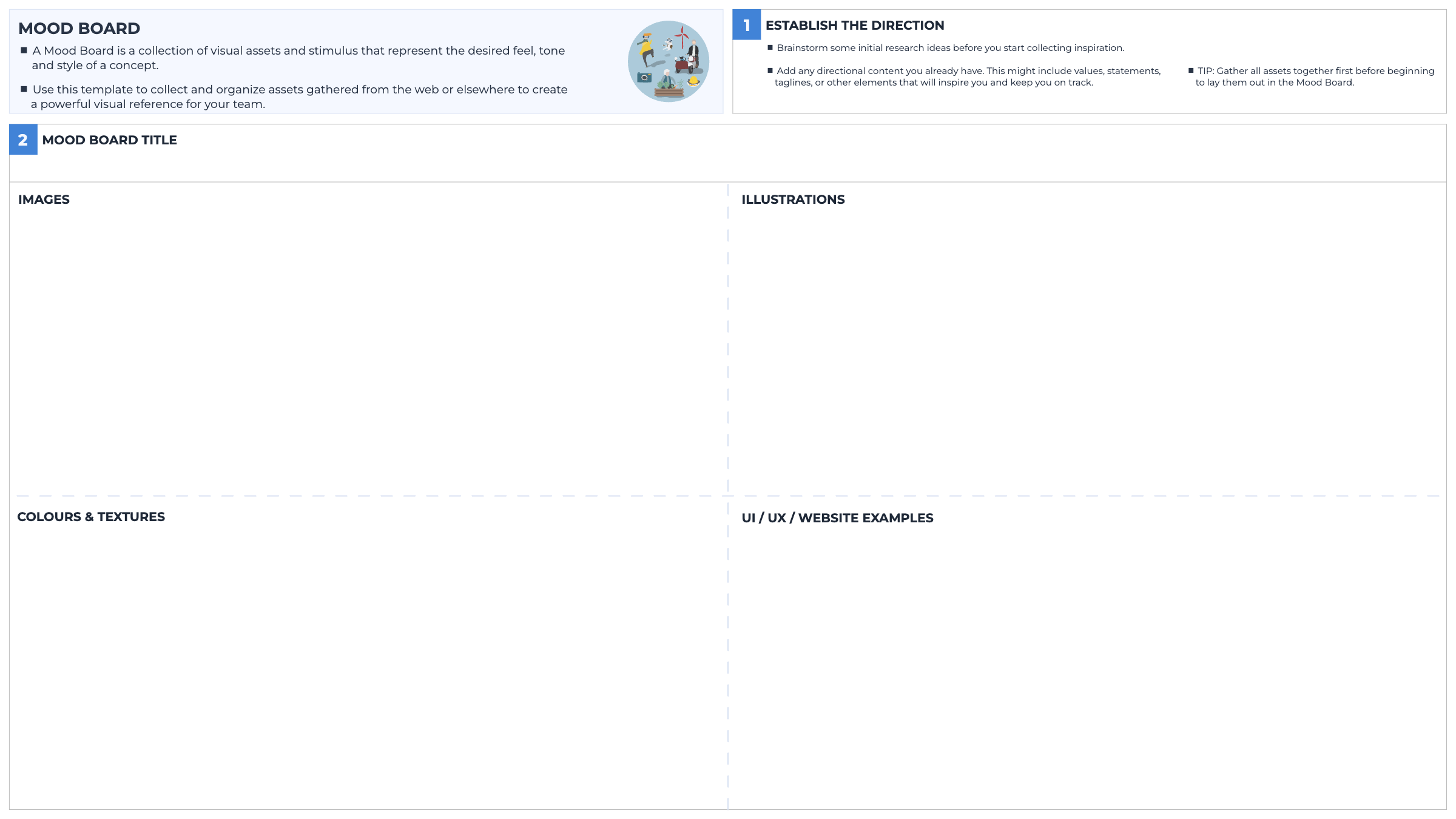
Use this tool to collect and organize assets gathered from the web or elsewhere to create a powerful visual reference for your team.
What’s the purpose
A Mood Board is a collection of visual assets and stimulus that represent the desired feel, tone and style of a concept. When designing a prototype, especially when going into the high-fidelity phase where you want your visuals to look sharp and beautiful, a mood board helps you to conceptualize a visual reference point for how you imagine your designs to look when finalized.
How to do it
Start by brainstorming some research ideas to give you direction.
Add any content that might help guide your Mood Board in the right direction, such as values, tag lines or other elements.
Now, give your mood board a title in step two.
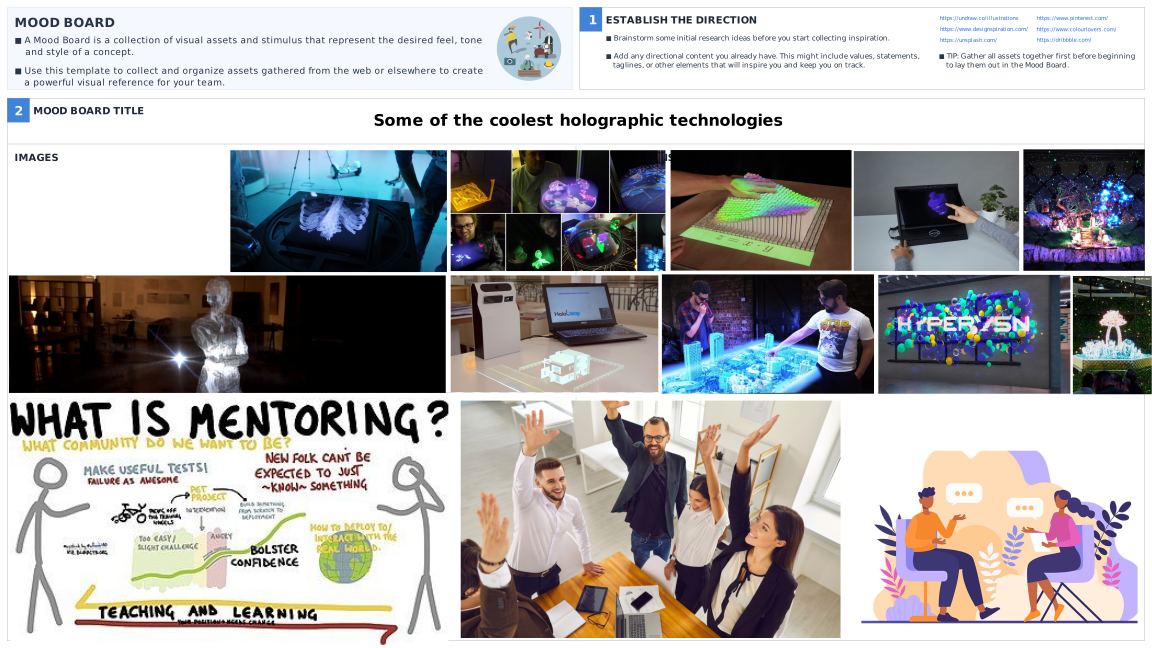
In the quadrants on the template, add images, illustrations, colors & textures, and UX, UI & website references that will inspire your prototype design. As a start, click on the links on the top right hand corner of the templates to open inspirational websites to grab your content from.
Use your Mood Board as inspiration as you build out your prototypes and hand it over to your designers to inform the high fidelity design as you begin to polish your solution.
Blank templateCompleted Mood Board Template Example
Tips
Keep any predefined directional content you have already worked on in mind as you build out your moodboard. Elements like your values and tagline will help to keep your designs on track to align with your project.
Remember, this is just a space to capture visual inspiration, so don’t worry about making it look pretty.
In day-to-day work
When you’re creating anything visual and you need to collect your thoughts on how it should look and how you want to express this, the ‘Mood Board’ template is a helpful way to gather inspiration and bring it together in one place to inform your designs. The mood board can be used for anything from changing your home office set up, to designing a new client presentation with colleagues. Look for inspiration across the categories in this template, share it with your team, and use it to create visual impact.